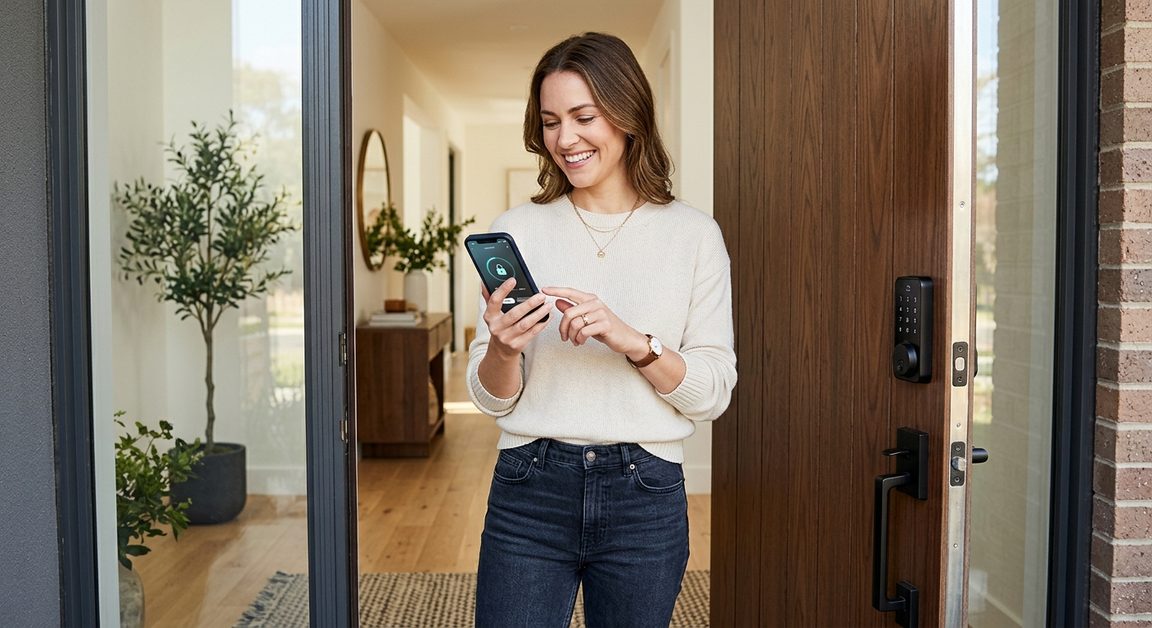
A practical buyer's guide to keypad, app-controlled, and biometric door locks for 2026 -- security ratings, real costs, and what to watch out for.
Smart locks are worth it if you value keyless entry, remote access, or access logs. A ANSI Grade 1 smart lock is as physically secure as a traditional deadbolt. The tradeoff is digital risk (app account security, battery dependence) rather than mechanical weakness. For most households, the convenience gain outweighs the new risk surface -- provided you use a strong PIN and keep firmware updated.
This guide covers the four main types of smart locks, what the security ratings actually mean, installation requirements, and the total cost of ownership. Back to the full lock-change guide if you're deciding whether to change locks at all first.
Four entry technologies dominate the consumer market. Most smart locks combine two or three of these.
| Type | How it unlocks | Offline capable | Cost range | Best for |
|---|---|---|---|---|
| Keypad (standalone) | 4-8 digit PIN | Yes | $60-$150 | Rentals, Airbnbs, families |
| Bluetooth / Phone tap | Phone proximity | Yes | $100-$200 | Tech-forward single owners |
| Wi-Fi / App remote | App from anywhere | Partial | $150-$300 | Remote landlords, travelers |
| Biometric (fingerprint) | Fingerprint scan | Yes | $120-$280 | Households that don't want PINs |
| Smart hub + voice | Alexa/Google command | No | $200-$400+ | Full smart-home integrations |
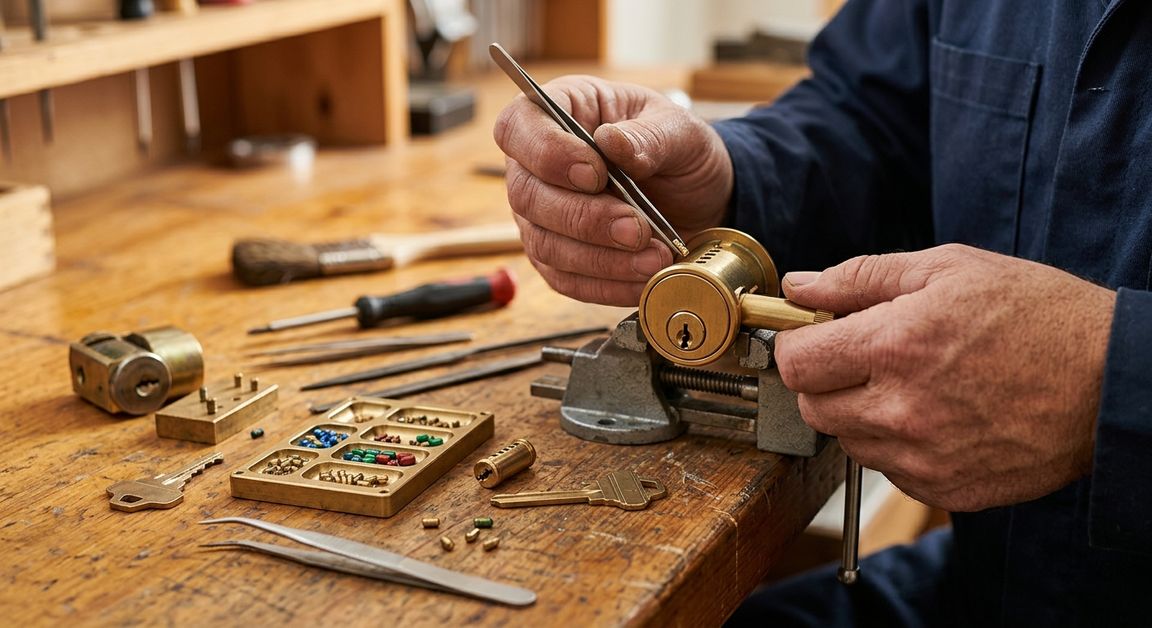
Every lock sold in the US should carry an ANSI/BHMA grade. Grade 1 is the highest residential/light-commercial standard; Grade 2 is standard residential; Grade 3 is builder-grade minimum. Most smart locks target Grade 2, but several flagship models achieve Grade 1.
Key point: Smart or traditional, the grade is determined by the physical bolt and body -- not the electronics. A Grade 1 smart lock is just as hard to kick in as a Grade 1 traditional deadbolt.
These represent the current leading options in each category -- not a sponsored ranking, just the models that consistently score highest on security + reliability.
Schlage Encode Plus -- Grade 1, Apple Home Key NFC, solid metal construction. Widely regarded as the benchmark.
Yale Assure Lock 2 -- keypad standalone model, easy PIN management, no Wi-Fi required for basic use, works with most smart-home platforms if you add a module.
Wyze Lock Bolt -- fingerprint entry, Bluetooth, under $100, installs over existing deadbolt cylinder. Grade 2 construction.
Most smart locks are designed as drop-in replacements for existing single-cylinder deadbolts on standard ANSI prep doors (2-1/8" bore, 2-3/4" backset). Before ordering:
Standard is 2-3/4". Older doors may be 2-3/8". Most smart locks cover both, but verify in the spec sheet.
Standard is 1-3/8" to 1-3/4". Thicker or metal doors may need extension kits.
Bore must be 2-1/8". Older homes with non-standard prep require a locksmith to re-bore.
Apple HomeKit users: look for Home Key support. Google Home users: Z-Wave or Wi-Fi models integrate best.
DIY or pro? Standard prep, new door -- easy 30-minute DIY. Non-standard prep, door misalignment, or metal door: call a licensed locksmith. Forced fit = gaps = defeated lock.
The hardware cost is just part of the picture. Factor in batteries, subscription fees (some brands), and installation if going pro.
| Cost item | Traditional deadbolt | Budget smart lock | Mid-range smart lock | Premium smart lock |
|---|---|---|---|---|
| Hardware | $30-$80 | $60-$100 | $120-$200 | $200-$400 |
| Installation (DIY) | $0 | $0 | $0 | $0 |
| Installation (locksmith) | $75-$150 | $75-$150 | $100-$175 | $100-$175 |
| Annual battery cost | $0 | $5-$10 | $5-$10 | $5-$15 |
| App/subscription fee | $0 | $0 | $0-$30/yr | $0-$50/yr |
| 3-year total (DIY) | $30-$80 | $75-$130 | $140-$290 | $215-$550 |
Estimates based on 2026 retail pricing. Installation costs vary by region and door condition. Battery life varies by usage frequency and lock model.
Smart locks introduce a new attack surface. These are the most common mistakes homeowners make:
ANSI Grade 1 smart locks match the physical strength of standard deadbolts. The added risks are digital: weak passwords, Bluetooth range exploits, and app account security. A Grade 1 smart lock with a strong PIN and two-factor app login is generally as secure as a standard deadbolt for most households.
Most smart locks use Bluetooth and work offline for keypad or phone-tap entry. Wi-Fi or a bridge hub is only needed for remote access (unlocking from across town), automation triggers, and app notifications. Keypad entry functions during a power outage as long as the lock's batteries hold.
Yes. Most ANSI-standard smart locks are designed for DIY installation on existing deadbolt prep (2-1/8" bore). A licensed locksmith can install, align, and test in 30-60 minutes. If your door has a non-standard bore or the jamb needs adjustment, professional installation is strongly recommended.
Most smart locks give 3-6 months warning via low-battery alerts in the app. When batteries fully die, keypad and Bluetooth entry stop working. However, most models have a 9V battery contact on the exterior keypad for emergency jump power -- you can press a 9V battery to the terminals and enter your code. Always keep a physical key backup.
Generally no -- most insurers treat ANSI Grade 1 smart locks the same as Grade 1 traditional deadbolts. Some insurers offer a small discount for smart home security devices. Confirm with your insurer before assuming a change in coverage either direction.
